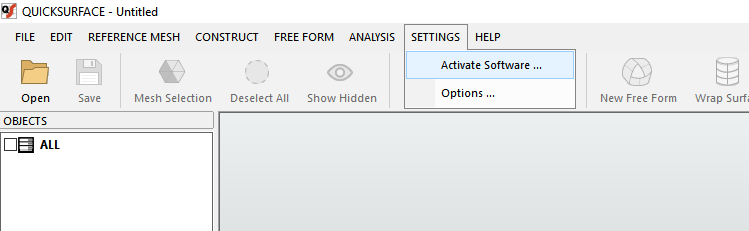
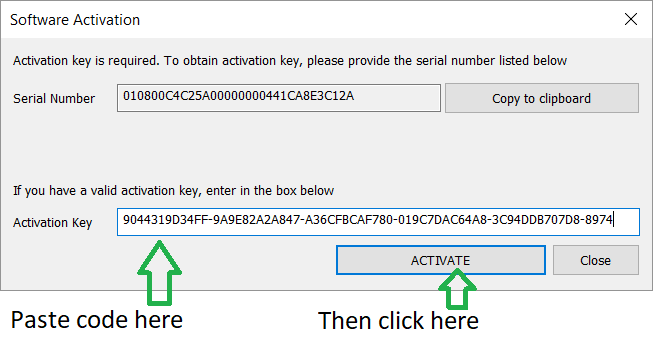
You can download the program by clicking the button below. You will receive the activation code shortly at your email address.
2. In the Action key field, enter the activation code you received at your email address.
3. Close and reopen the application.
In case of any issues, please contact our technical support by phone at +386 1 566 12 55 or by email at info@ib-caddy.com.
We recommend watching our video courses to familiarize yourself with the software and achieve the best results.



 Slovenian Slovenian English
Serbian
Slovenian Slovenian English
Serbian